By Creator Tool Bench · Pricing and plan information checked September 13, 2026.
Disclosure: This page contains affiliate links. If you make a qualifying paid purchase through our link, we may earn a commission at no extra cost to you.
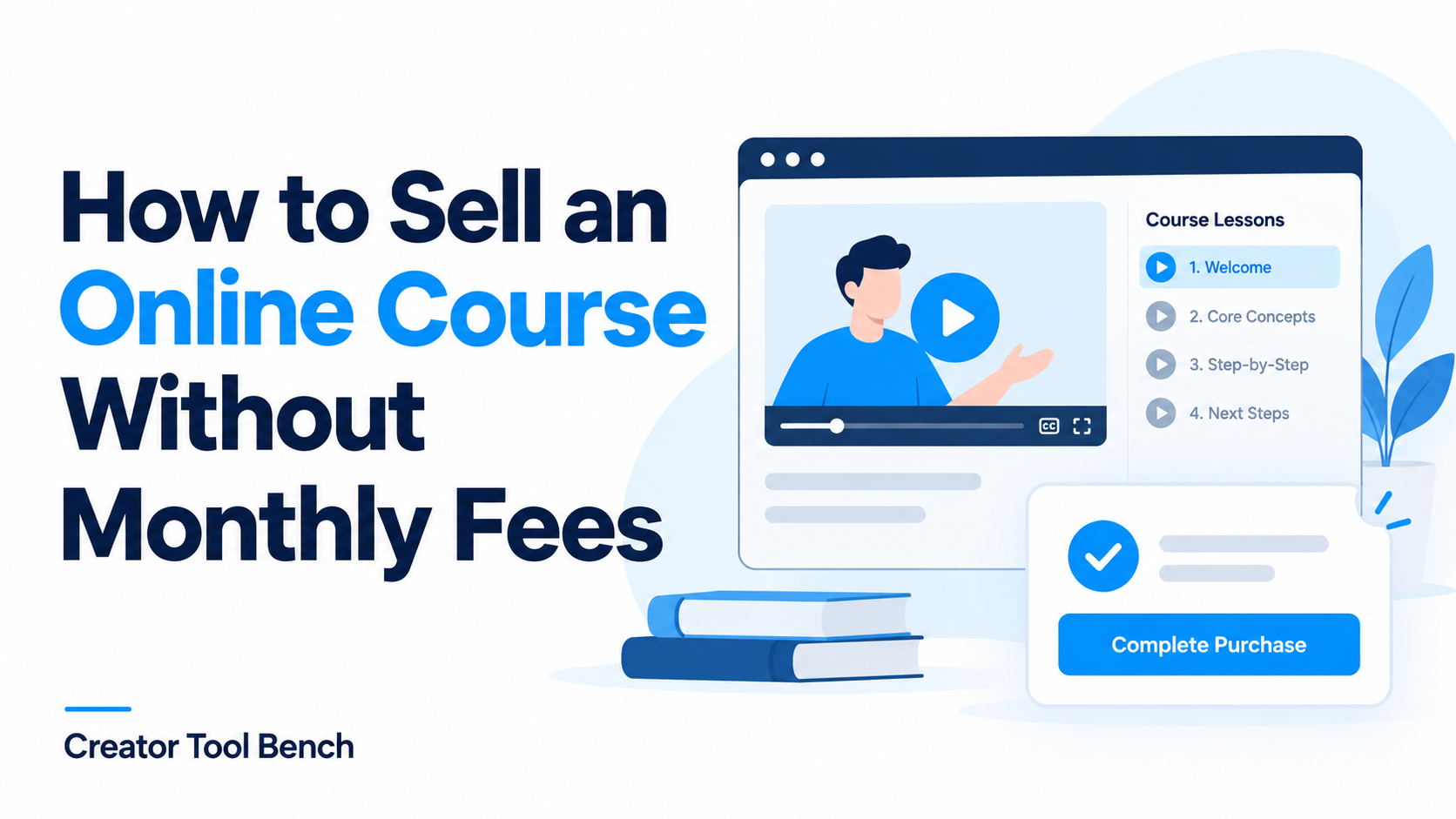
You can sell an online course without paying a monthly platform subscription. The practical approach is to choose a free plan, launch a focused course, and understand which costs still apply when someone buys.
For a first course that also needs a sales page and email tools, systeme.io is our starting recommendation. See our Systeme.io online courses review for the current course features. Payhip is worth considering for a course storefront, provided you account for video hosting. Gumroad is another option for selling a compact collection of lessons and resources. If you are evaluating a more premium course-and-coaching platform, see Systeme.io vs Kajabi (2026).
This is a comparison based on official pricing and documentation, not a hands-on performance test. The recommendations reflect different starting needs; none of these tools guarantees customers or sales.
What “no monthly fees” actually means
A free platform plan removes one fixed expense. It does not remove every cost of running a course business.
- Platform transaction fees: a percentage or fixed charge taken from each sale.
- Payment processing: charges for accepting a payment, which can vary by provider, country, and payment method.
- Optional services: a domain name, video hosting, recording equipment, or extra software.
- Business costs: refunds, customer support, taxes, and your time.
Write down the complete path from checkout to the first lesson. If any essential part requires a subscription, your setup is no longer entirely free of monthly software costs.
Compare three options before you build
The amounts below are in USD. “Platform fee” is not the total cost of accepting a payment. Check the linked terms before signing up.
| Platform | Monthly platform subscription | Platform fee per sale | Main consideration |
|---|---|---|---|
| systeme.io Free | $0 | 0%; payment processing is separate | One course, three funnels, and up to 2,000 contacts on the free plan |
| Payhip Free Forever | $0 | 5%, plus payment processing | Native video hosting is an optional paid subscription; embeds offer an alternative |
| Gumroad | $0 | Standard direct/profile sales: 10% + $0.50, plus processing; Discover: 30%, including processing | Compare direct sales with marketplace discovery; different fee rules apply |
Sources: systeme.io pricing, Payhip pricing, Payhip video hosting, and Gumroad pricing. Gumroad’s fee documentation lists processing separately for standard direct sales, while Discover’s 30% includes processing. A high-volume discount can change the direct-sale rate; the comparison uses the standard rate.
systeme.io: a starting point for one course and its sales funnel
The attraction here is a small collection of connected tools. You can build a course alongside a funnel and email list without beginning with several separate subscriptions.
Its free plan has no expiry and does not require a credit card. The one-course limit matters: if your plan depends on launching several independent courses immediately, check the upgrade requirements first. Stripe or PayPal charges still apply to payments. See the current plan details.
Our recommendation is to use the free allowance to validate one clear offer. Avoid designing a large course catalog before you know which lesson outcome buyers value.
Start with systeme.io for free
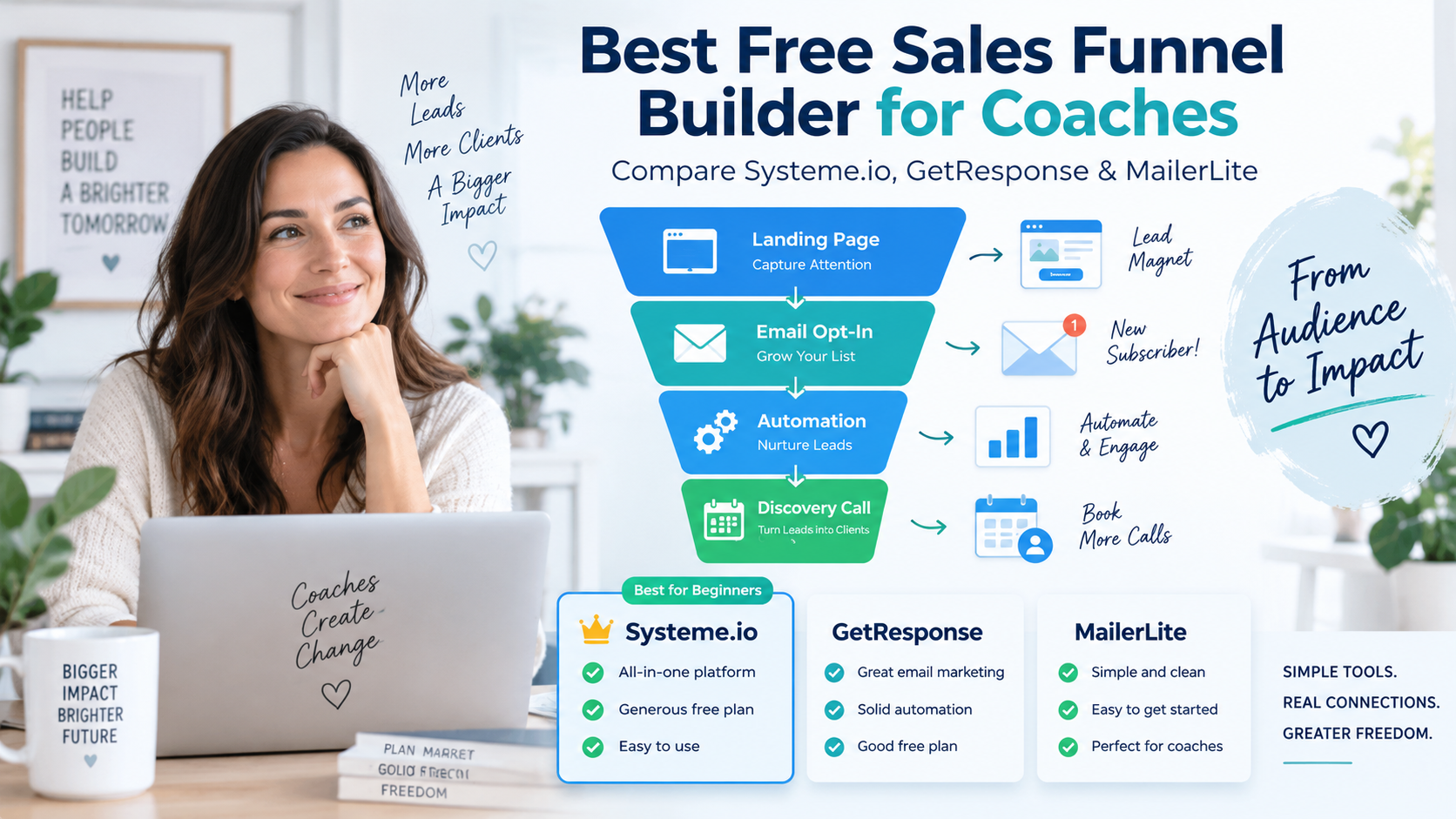
New to funnels? Read our free sales funnel builder guide for beginners for the basics of pages, forms, and welcome emails.
Payhip: consider how you will deliver video
Payhip’s free plan supports unlimited products, with a 5% platform transaction fee. That can suit a creator who prefers a storefront approach and accepts a fee on each sale. Payhip’s pricing page also confirms that payment processing remains payable.
There is an important video exception. Payhip’s built-in video subscription costs $5 per month for 16 hours of storage. Alternatively, you can embed externally hosted videos in lessons without a Payhip video subscription. External hosts may have their own charges and privacy limitations, so check the setup you intend to use. Source: Payhip Video Subscription.
Before choosing, open a sample lesson as a student and check playback, mobile viewing, and how access is controlled.
Gumroad: consider a compact lesson product
Gumroad supports selling video lessons and other digital products. It is an option to evaluate if your offer is a short lesson collection with accompanying files. Source: Gumroad.
The trade-off is its selling fee. Direct sales and Discover sales have different rates, so do not budget using one rate for every order. For a low-priced course, the fixed component of the direct-sale fee also matters. Check Gumroad’s pricing before setting your price.
If you need a particular teaching feature, such as assessments or a specific lesson progression, confirm that requirement before committing. A working checkout alone does not prove that the student experience fits your course.
A USD 100 sale: compare stated fees, not profit
For a hypothetical $100 transaction, applying the stated platform rates gives:
| Route | Stated platform / marketplace charge |
|---|---|
| systeme.io | $0 |
| Payhip Free | $5 |
| Gumroad direct/profile sale | $10.50 |
| Gumroad Discover sale | $30, including processing |
These are arithmetic examples using the rates above, not payout estimates. They exclude any separately applicable processing, taxes, refunds, currency conversion, and production costs. Do not subtract only this column from the sale price and call the result profit.
How to launch your first course in six steps
1. Choose one outcome you can teach clearly
Start with a task, not a broad subject. “Create your first client onboarding checklist” is easier to explain and demonstrate than “Become a better freelancer.”
Write a one-sentence promise: “By the end, you will be able to ___.” Then list the knowledge or tools students need before starting. A narrow promise helps you decide what belongs in the course and what can wait.
2. Build the smallest useful version
Outline a short sequence: preparation, demonstration, guided practice, and a final task. Create only the material needed to complete that task.
For the onboarding example, that might be a walkthrough, an editable checklist, and an example completed project. Use equipment you already own where it produces clear audio and readable visuals. Keep original recordings and files in a separate backup.
Do not make the course longer just to make it appear more valuable. The useful question is whether a beginner can follow it and produce the promised result.
3. Check the complete delivery setup
Before uploading everything, create one lesson and view it on both a phone and a computer. Confirm that the payment provider supports your business location and that you can receive payouts.
Check the features your offer actually requires: lesson access, downloads, video playback, support contact details, and any promised assessments. This small trial can expose a missing requirement before migration becomes expensive.
4. Write a sales page that answers buying questions
Include who the course is for, the outcome, the lesson outline, prerequisites, price, what is included, and how students get help. Describe access duration and your refund terms accurately.
Show a real sample lesson or worksheet where possible. Avoid invented testimonials, countdown timers without a real deadline, or income claims you cannot substantiate.
Your purchase button should describe the next action clearly, such as “Enroll in the course.” Keep the route to checkout easy to follow on mobile.
If you also offer coaching, see our sales funnel builder guide for coaches for ideas on lead capture and discovery calls.
5. Connect payment to course access
Make sure buying the product actually grants the correct course access. In systeme.io, its documentation directs creators to configure the course in the sales funnel’s Order form resources. It also describes an automatic student login email. Follow the official course-access instructions for the current setup.
Use the platform’s supported testing method to check the complete buyer journey. Verify the payment confirmation, access email, login, first lesson, and download links. A manually added student can help test lessons, but does not by itself verify paid enrollment.
6. Launch to a small, relevant audience and learn
Share a useful lesson excerpt with people who have the problem your course addresses. Make the invitation specific: what they will learn, who it suits, and where to see the details.
Record visits, checkout activity if available, purchases, and recurring questions. If people visit but do not buy, review the offer and unanswered questions before buying more software. If almost nobody visits, there is not yet enough evidence to judge the course’s conversion rate.
What to automate after the first successful test
Start with payment confirmation, student access, and a clear welcome message. Add reminders only when they help a student take the next step and fit the tools and permissions you have in place.
If you also use a free checklist or guide to attract potential students, see our guide to delivering a free PDF automatically after email signup.
Keep human attention on support requests, failed payments, refunds, and confusing lessons. Automation can reduce repetitive delivery work; it does not remove responsibility for what students receive.
A simple recurring review is enough to begin: check for access problems, respond to questions, and improve the part of the course that causes the most confusion.
Frequently asked questions
Can I launch without buying a domain?
Treat a custom domain as a separate decision from the course itself. Check the platform-hosted address available on your chosen plan before paying for one. If you connect a domain you own, domain registration and renewal are separate costs.
Does a free plan mean I keep the entire sale price?
No. The comparison above separates platform fees from other costs. Check the payment method, buyer location, and applicable charges before estimating what you will receive.
When should I upgrade?
Upgrade when a specific limit blocks a necessary part of the business, or when a documented cost comparison justifies a paid plan. Include both the subscription and per-sale charges in that calculation. An upgrade is not a substitute for a clear offer.
Choose the setup that lets you test one useful course
For a first course with a sales funnel and email tools, start by checking systeme.io’s free allowance. Consider Payhip if its storefront and video setup fit your needs, or Gumroad if a compact digital lesson product suits your audience.
Choose one, build a sample lesson, and verify the buying experience before investing in more tools.
Start with systeme.io for free
Plan terms can change. Recheck the official pages before opening an account or changing your setup.